
Yes, unplugging your coffee maker can save money, as phantom energy from features like clocks and timers can add up to 10% of your utility bill.
I always unplug mine because that standby power is a sneaky drain, and it’s a simple safety step, too. But whether you need to depends on your specific machine’s features and your own habits-let’s look at when it really matters.
Table of Contents
Should you unplug your coffee maker?
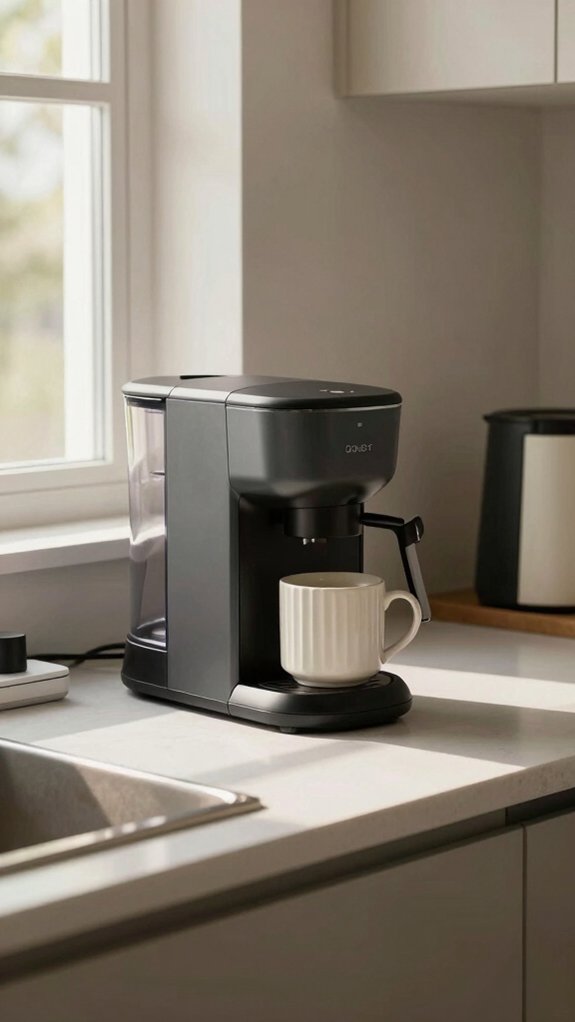
Absolutely, you should unplug your coffee maker when it’s not in use, and I do it every single day. This simple habit directly reduces your electricity usage from phantom energy, which these appliances constantly draw even when “off.”
By unplugging, you instantly stop that waste.
This isn’t just about principle, it’s about your wallet. You can save money, up to 10% on utility bills, by eliminating this standby power. Think of it as a tiny, effortless daily investment.
Plus, it greatly improves safety by removing any risk of electrical faults or accidental activation. So, make it part of your routine. After my morning brew, the cord comes out.
It’s a quick step for long-term savings and peace of mind.
Is it safe to leave it plugged?
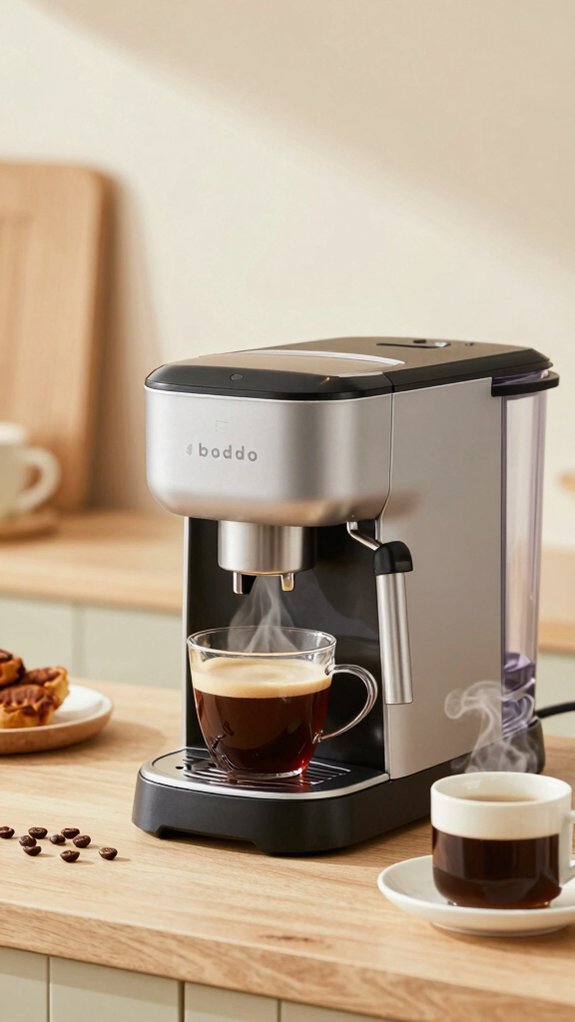
Is it truly safe to leave your coffee maker plugged in all the time? As a coffee enthusiast, I don’t recommend it. The risk is real: small appliances cause about half of appliance-related fires, often from their heating elements.
I unplug mine for three key reasons:
- It prevents electrical fires. A faulty switch or wiring can overheat.
- It boosts energy efficiency. Phantom power can add up to 10% to your bill.
- It protects the machine. Unplugging appliances saves them from damaging power surges.
The U.S. Fire Administration advises against keeping them plugged in constantly. For safety and savings, I make unplugging part of my daily routine.
Does unplugging save electricity and money?
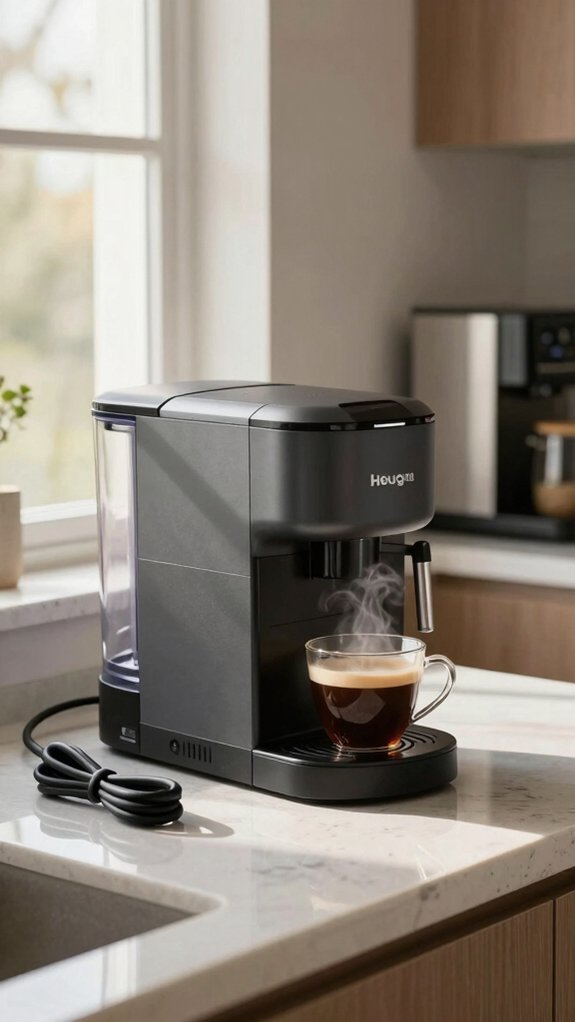
While you might think your coffee maker is off when not brewing, it can still quietly sip electricity in standby mode, which is why unplugging it does save both energy and money. This phantom power can add up to 10% of your bill.
I make a habit of unplugging mine, and it’s a simple move that can save you $50-$100 yearly.
| What You Save | Why It Matters |
|---|---|
| Electricity | Cuts phantom power, up to 10% of home use. |
| Money | Potential $100 annual savings. |
| Appliance Life | Less wear from constant power draw. |
Auto-off features, timers, clocks, memory settings
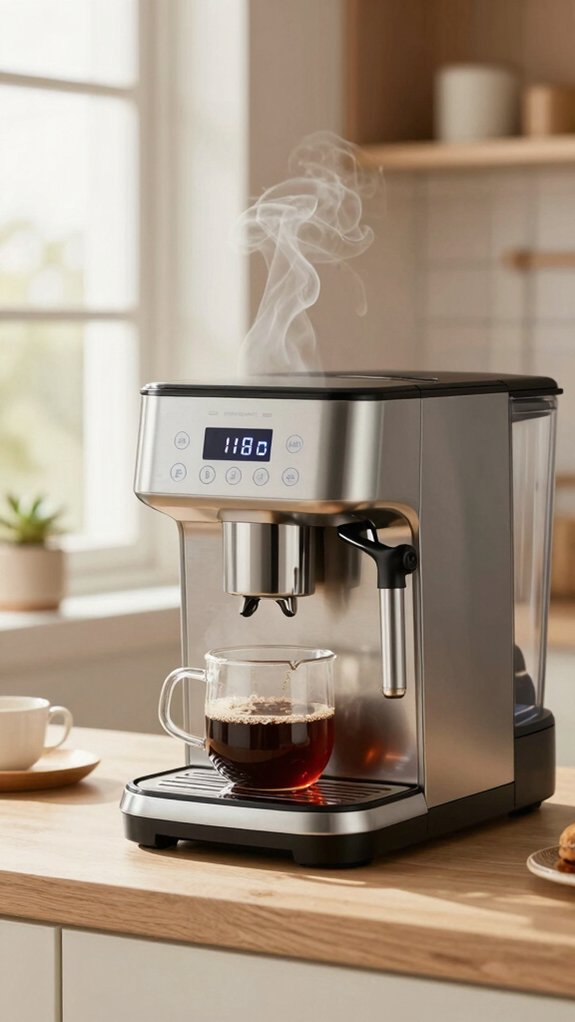
- Auto-off shuts down heating, but internal electronics often remain on, drawing power.
- Programmable timers are convenient, but the machine is always “listening,” consuming energy 24/7.
- Clocks and presets rely on continuous power, making unplugging your appliances the only way to stop all consumption.
For pure efficiency, unplugging after use is still your most effective move.
Coffee maker types and standby power
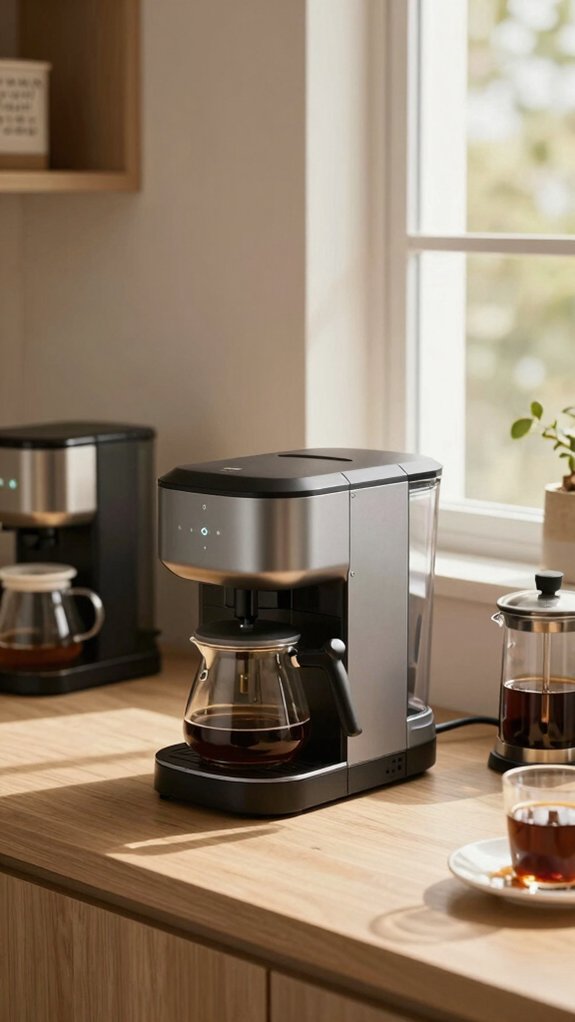
| Coffee Maker Type | Common Standby Features |
|---|---|
| Basic Drip (Manual) | Often none; truly off when switch is flipped. |
| Programmable with Clock | Typically draws 1-2 watts continuously. |
| Single-Serve Pod Machine | Often has a ready-heat function in standby. |
| Smart/Connected Brewer | Maintains Wi-Fi connectivity, using more power. |
| Espresso Machine with Display | Holds temperature or powers a digital interface. |
If yours has digital features, unplugging it is your best bet to stop that silent energy sip.
When should I unplug versus leave?
Now that we’ve seen which brewers use standby power, let’s figure out when you should pull the plug and when it’s okay to leave it in. For me, I unplug my basic drip machine after every brew to stop phantom energy and protect against electrical surges. It’s a simple habit that trims energy bills.
However, you don’t always need to unplug appliances.
Consider these three guidelines:
- Always Unplug: Simple machines without clocks or smart features, especially before long trips.
- Unplug for Savings: Any small appliance with a clock, timer, or LED display, as the U.S. Fire Administration notes these can draw power 24/7.
- You Can Leave It: For brief daily pauses, like between morning and afternoon coffee, if convenience outweighs the minimal standby cost.
Smart plugs, surge protection, easy habits
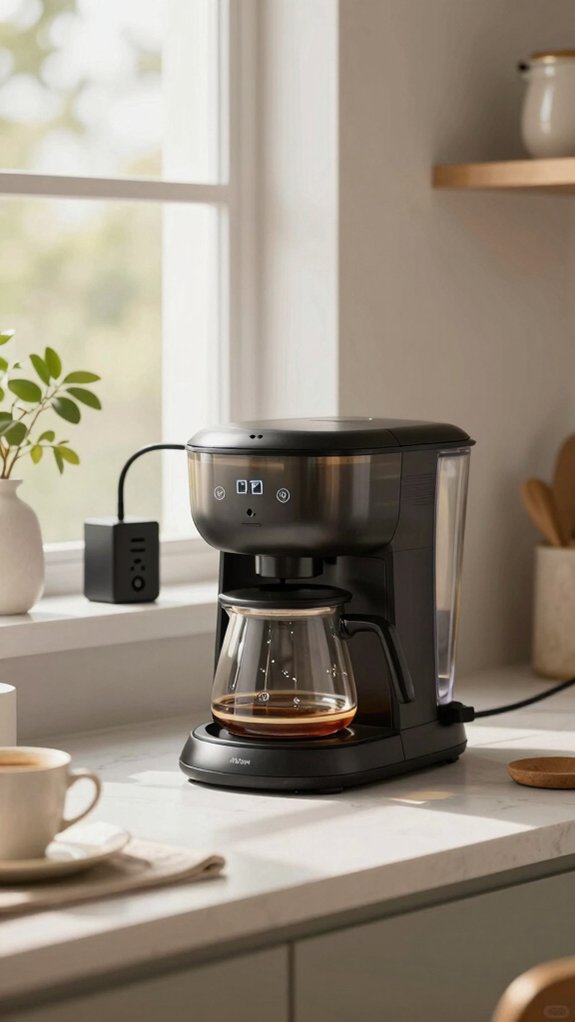
| Tool/Habit | Primary Benefit | Key Impact |
|---|---|---|
| Smart Plug | Automated Scheduling | Cuts standby power |
| Surge Protector | Voltage Protection | Prolongs appliance life |
| Unplugging Habit | Eliminates Phantom Load | Saves up to 10% on bills |
This combo offers effortless control, safety, and real savings.
Frequently Asked Questions
Should I Unplug My Coffee Maker When Not in Use?
Yes, I’d unplug my coffee maker because it stops phantom energy use, saving me up to $100 yearly.
It also significantly reduces my risk of an electrical fire when I’m not using it.
Is Switching off at the Wall the Same as Unplugging?
No, turning it off at the wall isn’t the same as unplugging it. Many devices still draw standby power.
I unplug my coffee maker completely to stop phantom energy and ensure real savings.
What Appliances Should You Unplug to Save Money?
I always unplug small kitchen appliances like coffee makers and toasters, plus any device chargers.
Using a power strip for multiple gadgets makes cutting this phantom energy drain quick and easy.
Does a Coffee Maker Consume Electricity When It Is Off?
Yes, it does. I learned the U.S. Department of Energy estimates phantom energy can make up 10% of a home’s electricity use.
My coffee maker’s standby clock adds to that, so I unplug mine.
In Conclusion
Yes, you should unplug your coffee maker to save money. You’ll stop phantom drain, boost safety, and keep cash in your wallet.
So, make it a ritual: brew your cup, enjoy the aroma, and then pull that plug. You’ll cultivate a thrifty habit, gain peace of mind, and savor every drop knowing you’ve been both smart and efficient.